 LearnScramble
How to play
The same steps as the "How to play" tutorial in the app — with a practice word, "cat" in the language you're learning (here: Polish kot).
The app shows this tutorial right after you choose your languages and job. You can replay it any time: Settings → How to play. In the app, a pointer shows where to tap and everything is in your own language.
-
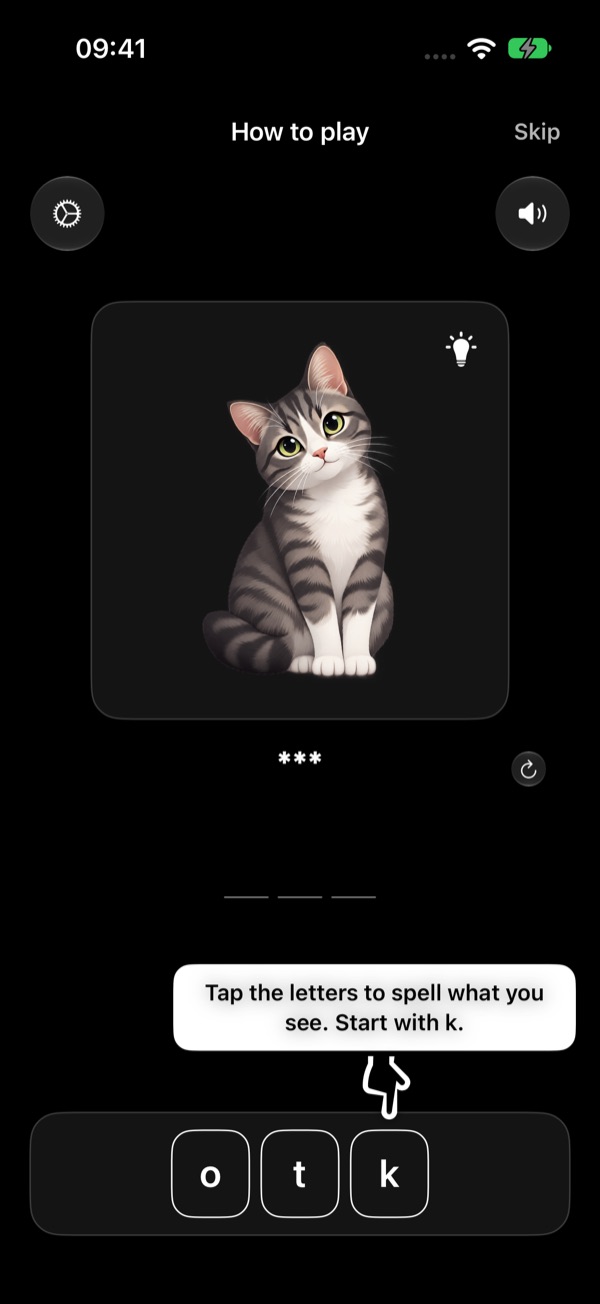
Spell what you see
Tap the letters to spell what you see. Start with k.
Look at the picture and tap the scrambled letters at the bottom in the right order. Each letter you tap fills the next empty slot of your answer.
-
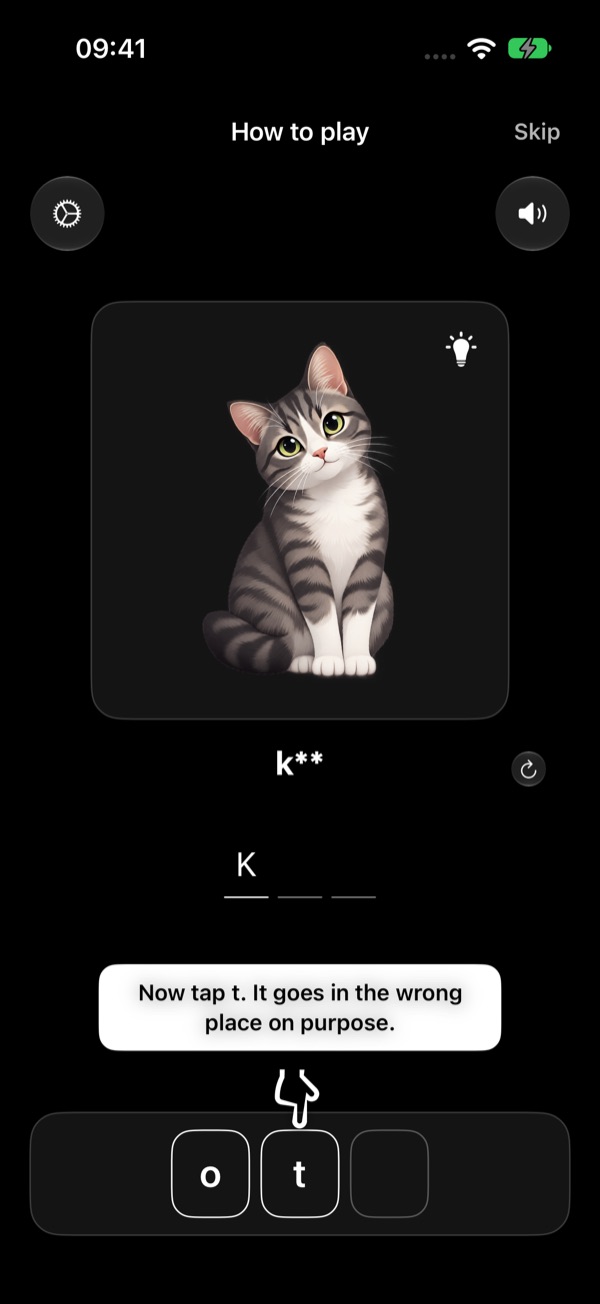
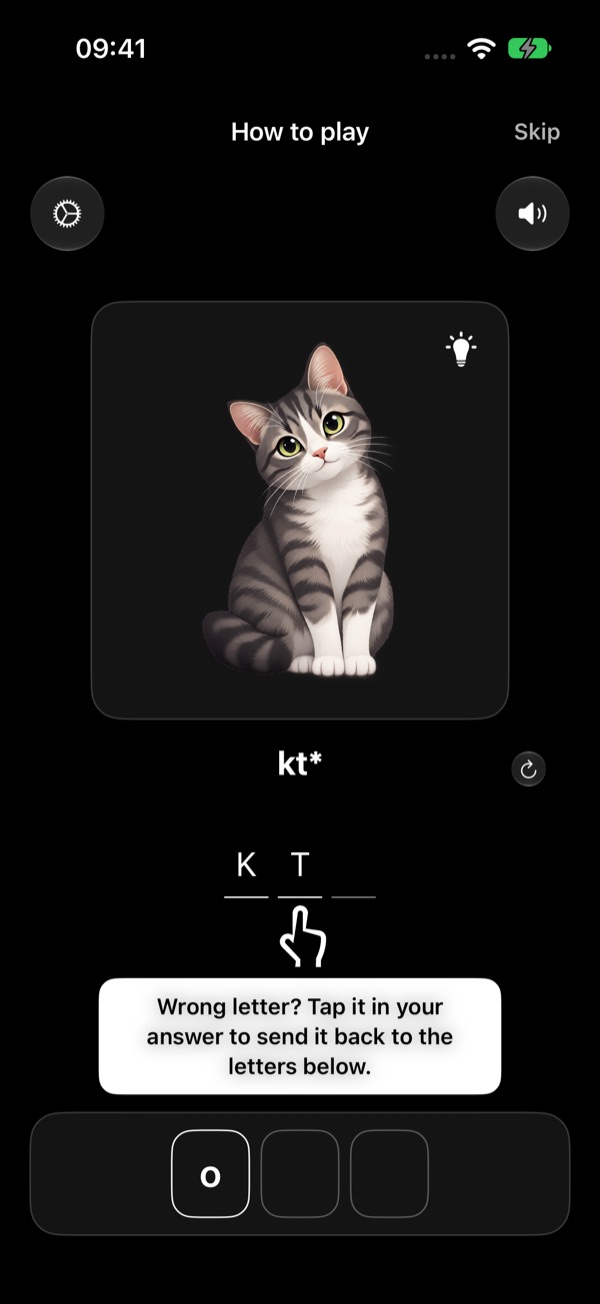
Wrong letter? Send it back
Wrong letter? Tap it in your answer to send it back to the letters below.
The tutorial asks you to make a mistake on purpose. Then tap the wrong letter in your answer — it goes back down to the letters, ready to be used again.
-
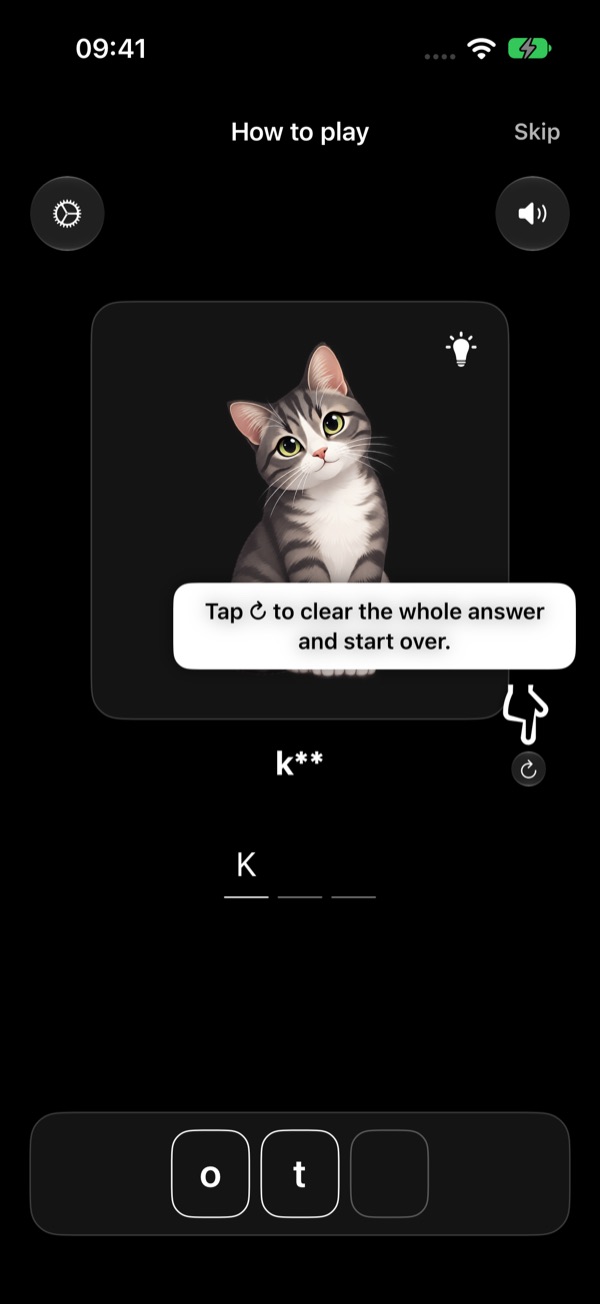
Start the word over
Tap ↻ to clear the whole answer and start over.
The round arrow next to your answer clears every letter at once, so you can try the word again from the start.
-
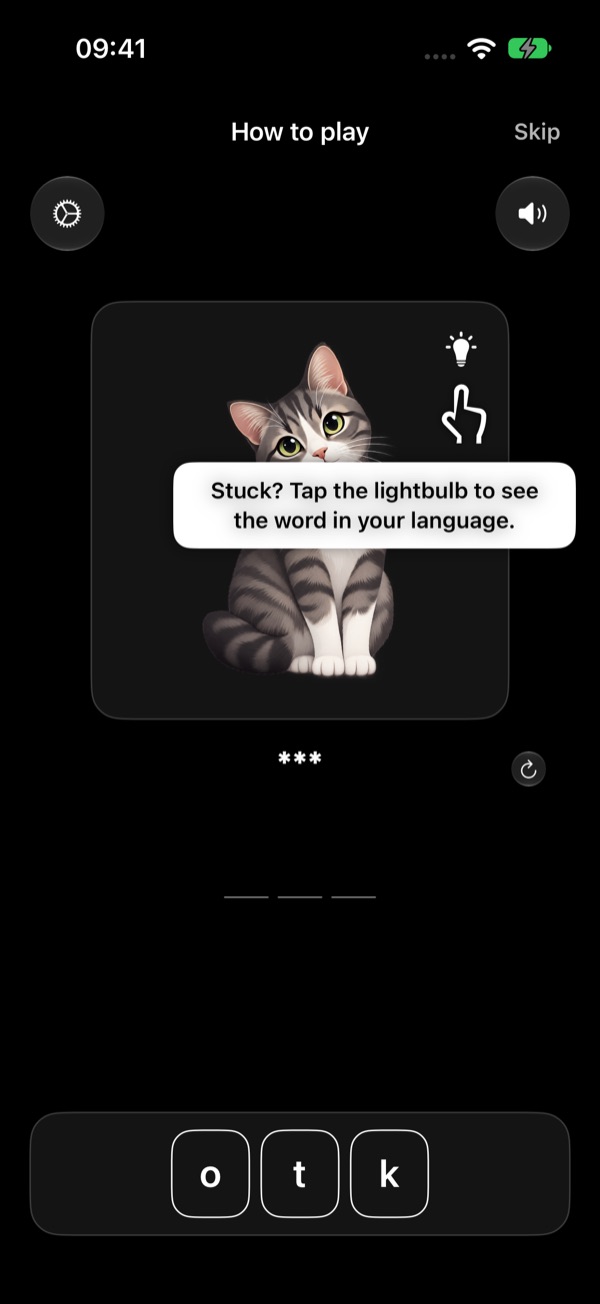
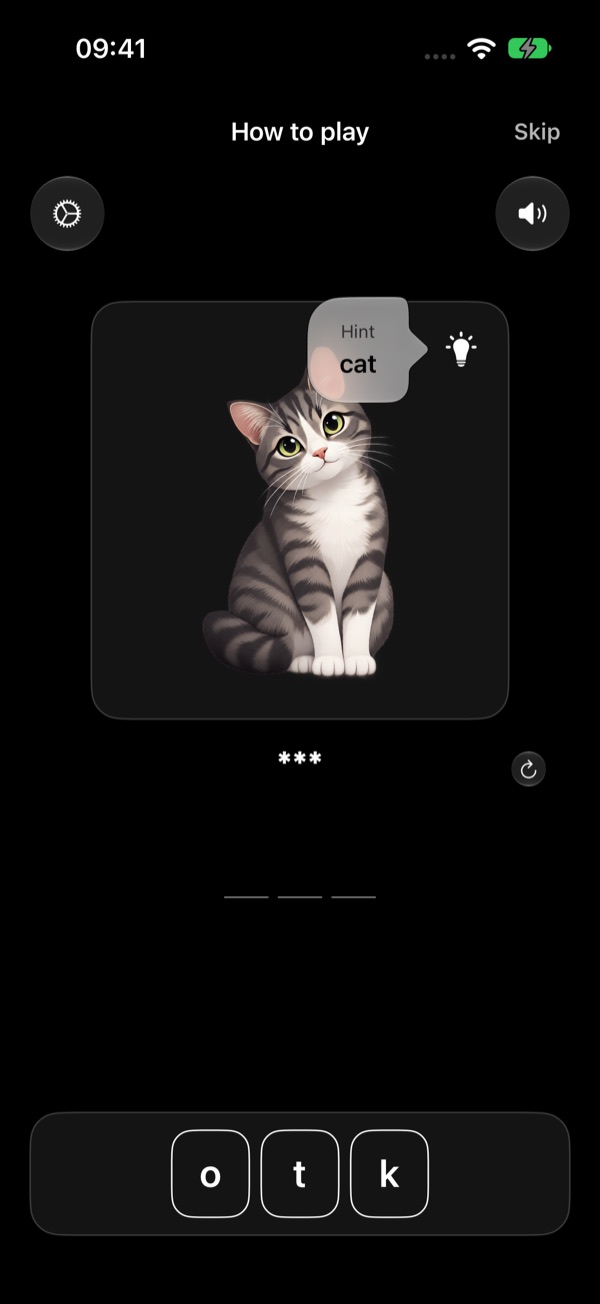
Stuck? Use the hint
Stuck? Tap the lightbulb to see the word in your language.
The lightbulb on the picture shows the word in your own language. Tap anywhere to close it.
-
Hear the word, find your way back
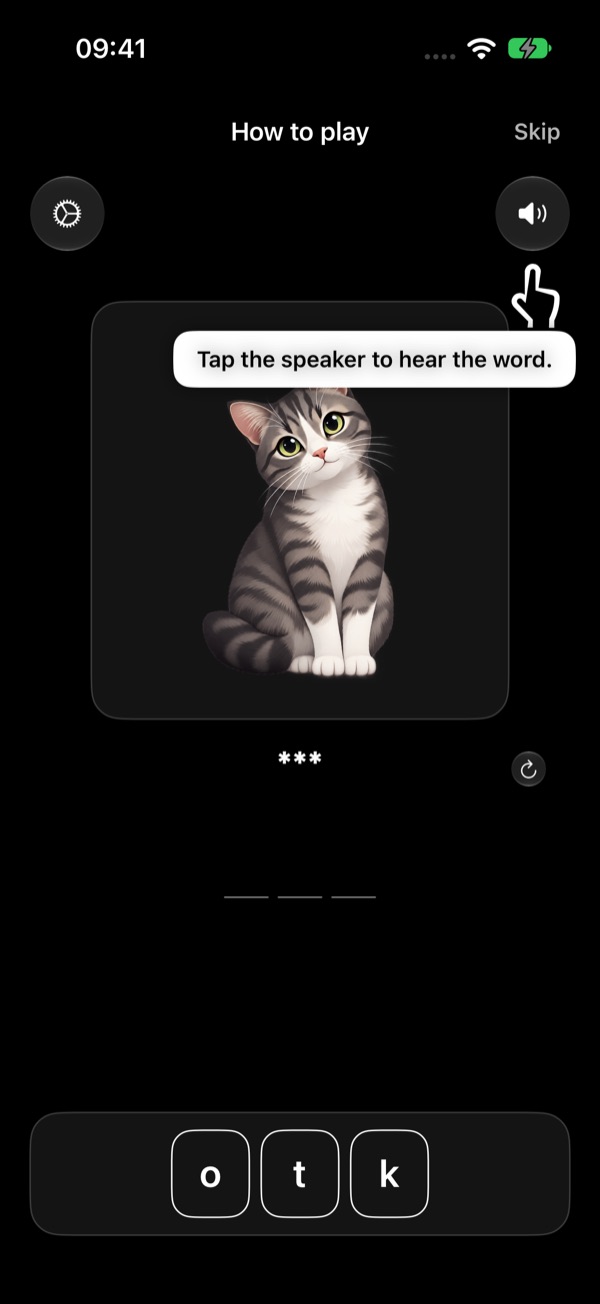
Tap the speaker to hear the word.
The speaker at the top right reads the word aloud in the language you're learning. You can choose the speed (and, once a profession is unlocked, the voice) in Settings.
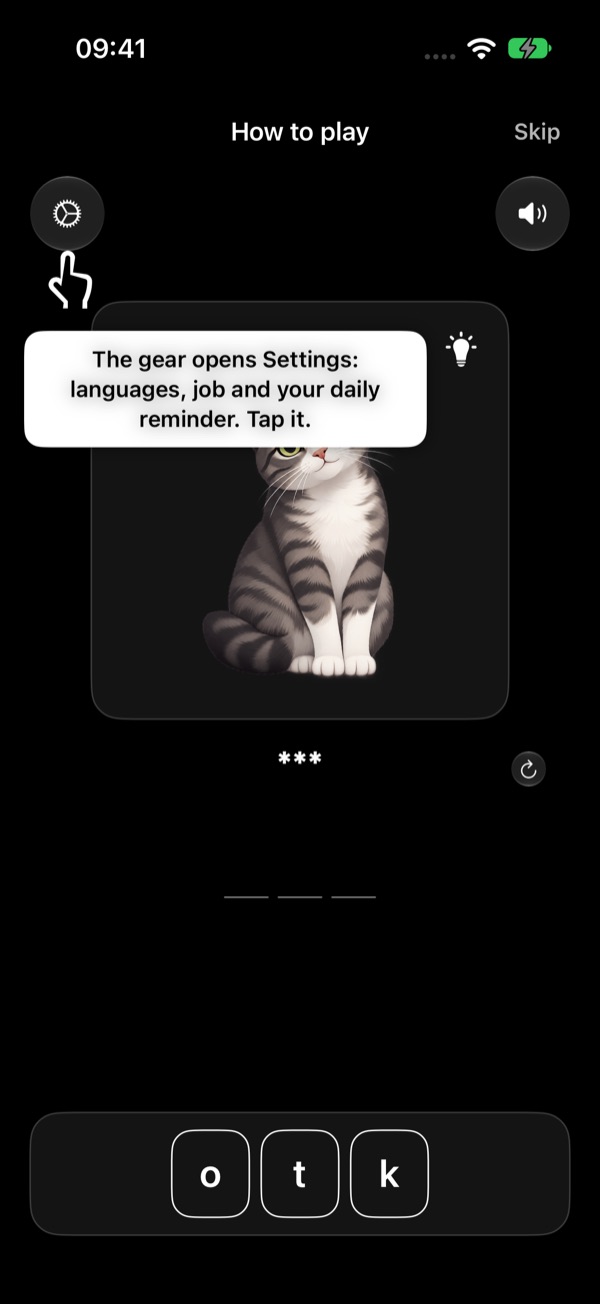
The arrow at the top left takes you back to the start screen — your answers are saved as you play. There, the gear opens Settings: your languages, your job, your daily reminder, audio, progress, purchases and help.
-
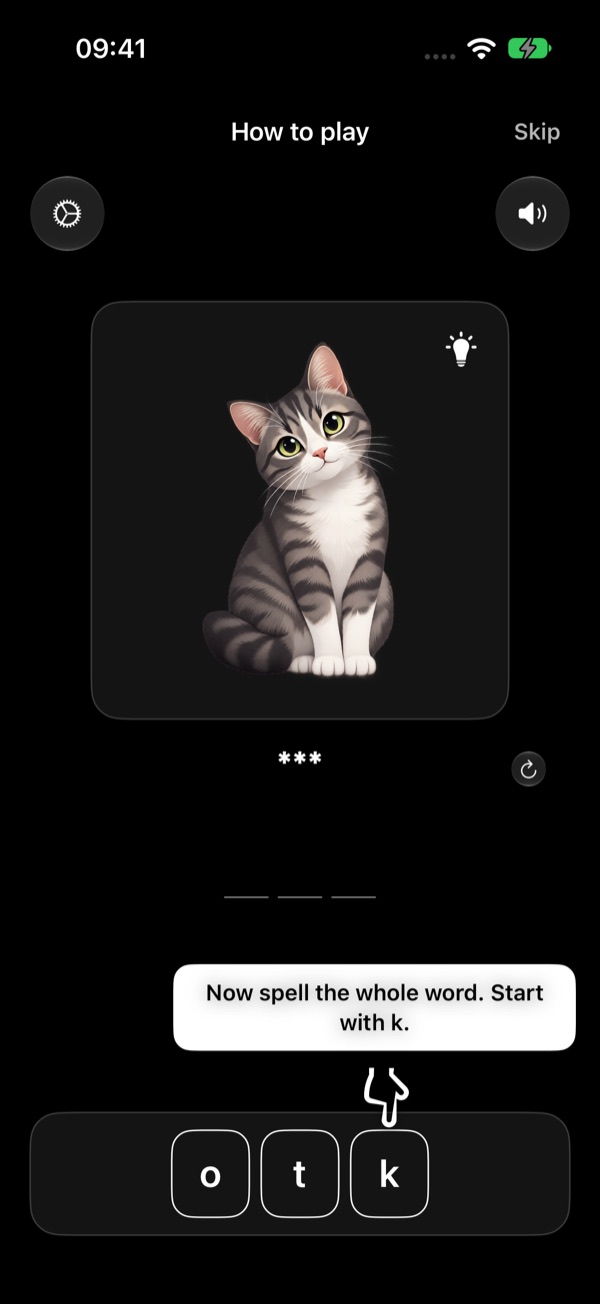
Spell the whole word
Now spell the whole word. Start with k.
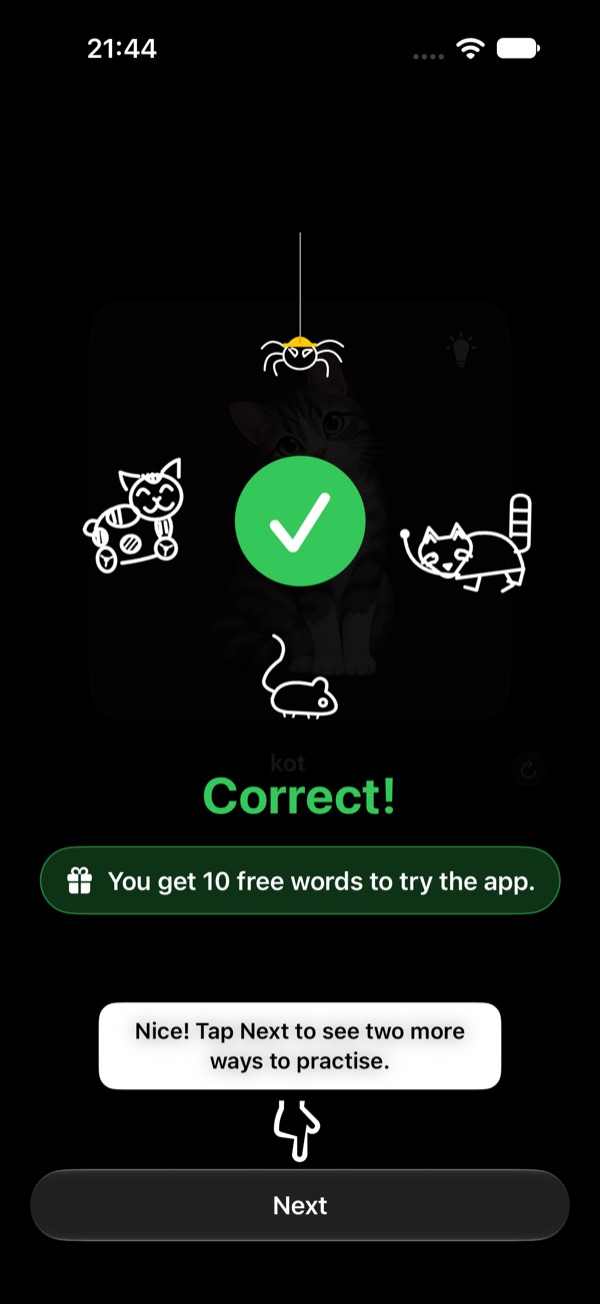
When every slot is filled, the app checks your answer. Correct — the animals celebrate. Wrong — you see the right word. Every word you play is saved in My words.
Nice! Tap Next to see two more ways to practise.
You get 10 free words to try the app. Tap Next: two short pages show the two tests you'll use once you've played a few words.
-
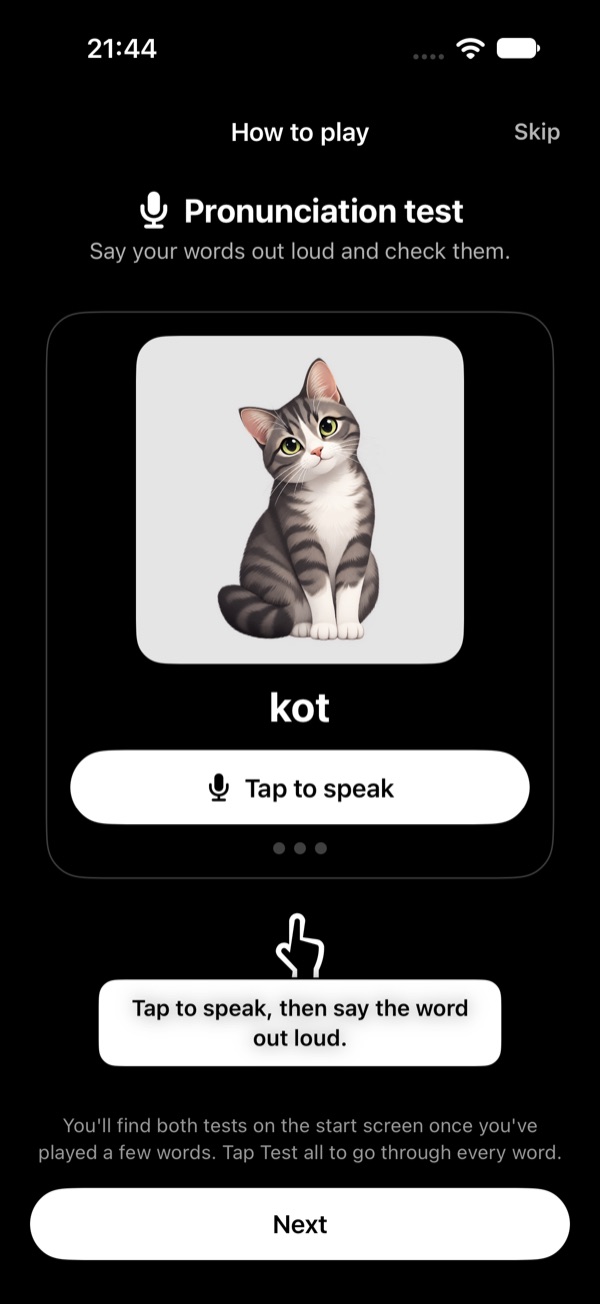
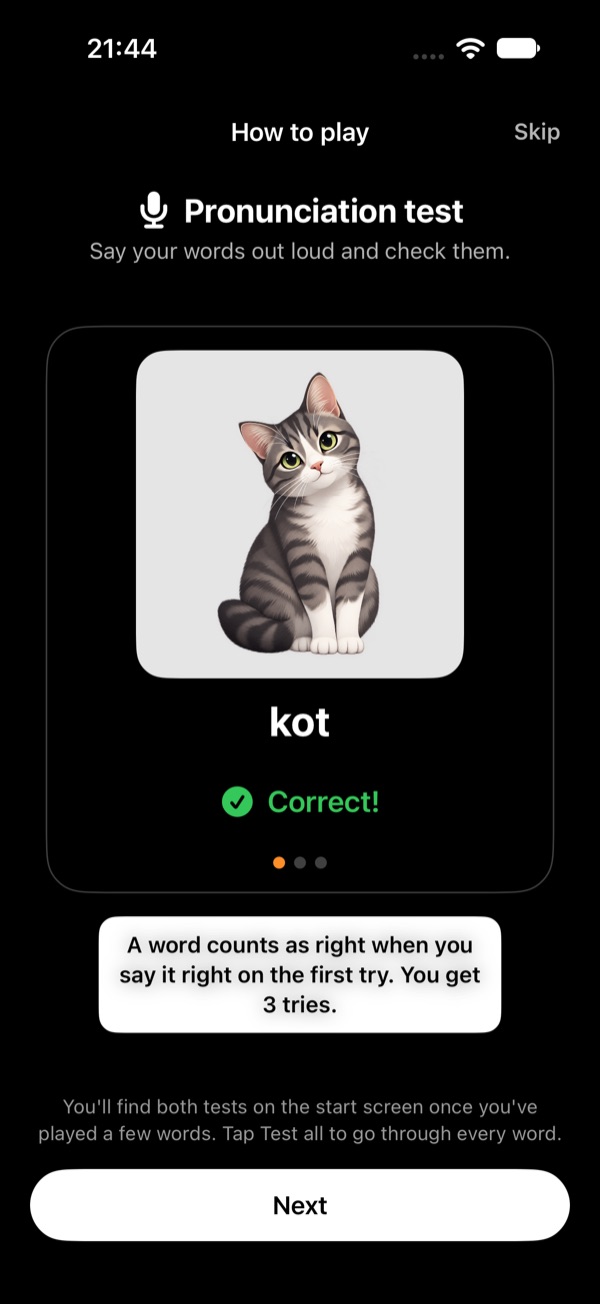
Pronunciation test: say it out loud
Tap to speak, then say the word out loud.
In the real test the app listens and checks your pronunciation. You get 3 tries; a word counts as right when you say it right on the first try. After each test the app says the word, so you hear how it sounds.
In the tutorial this is a demo: the microphone isn't used yet. iOS asks for the microphone the first time you take the real test.
-
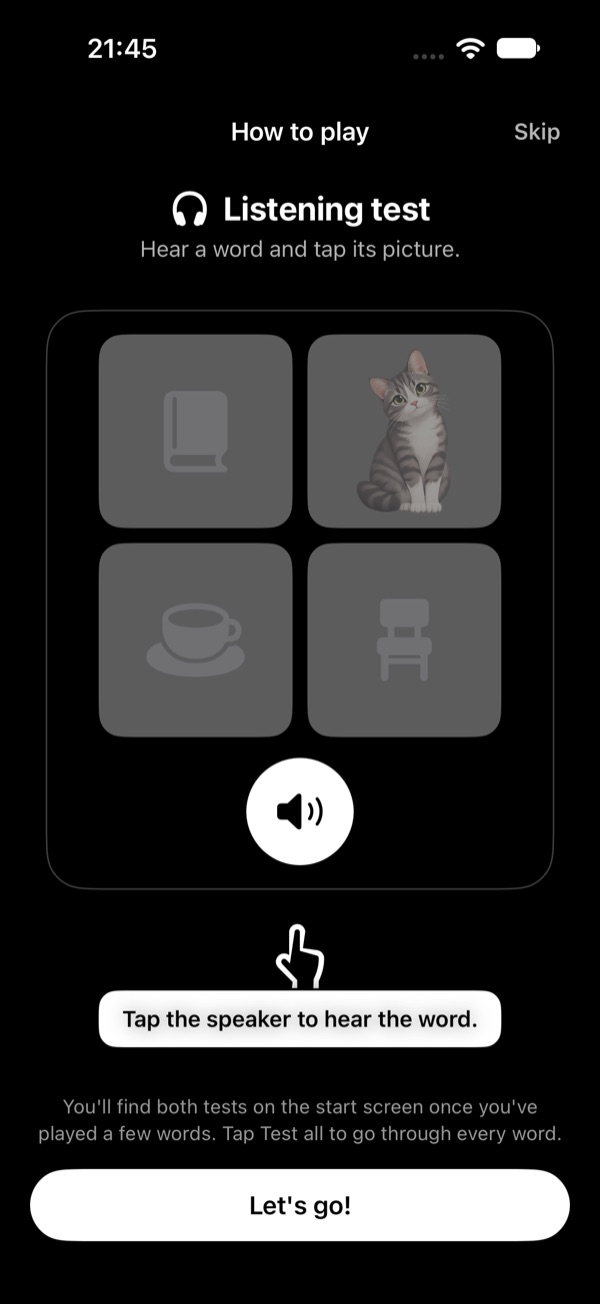
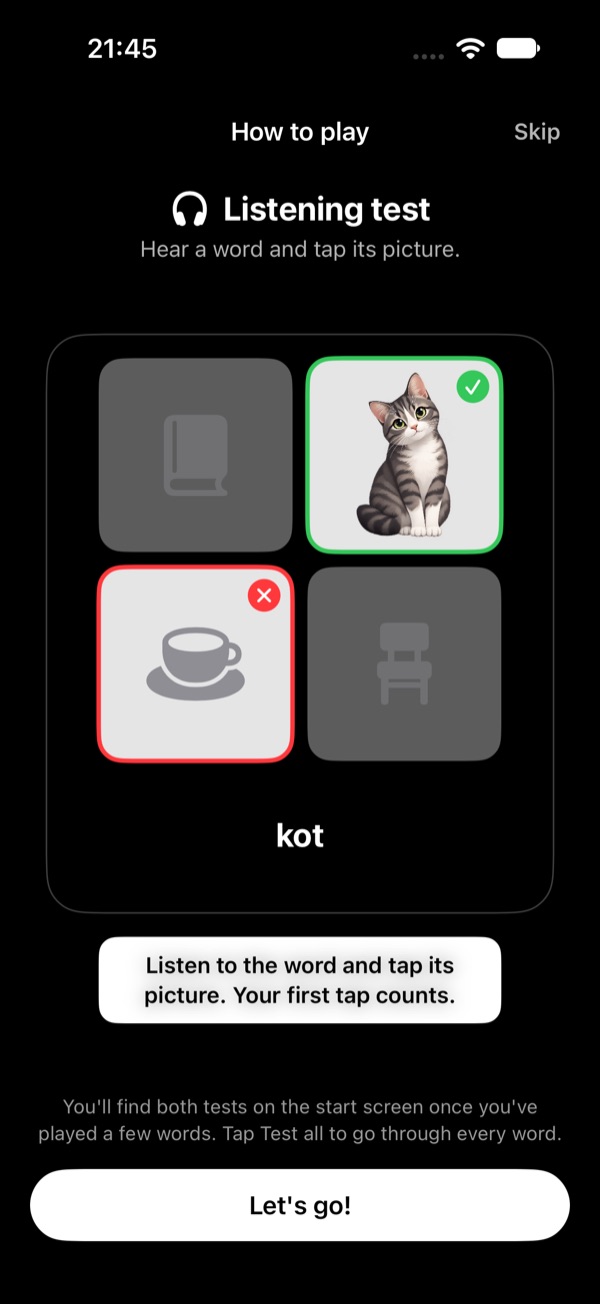
Listening test: hear it, find its picture
Tap the speaker to hear the word.
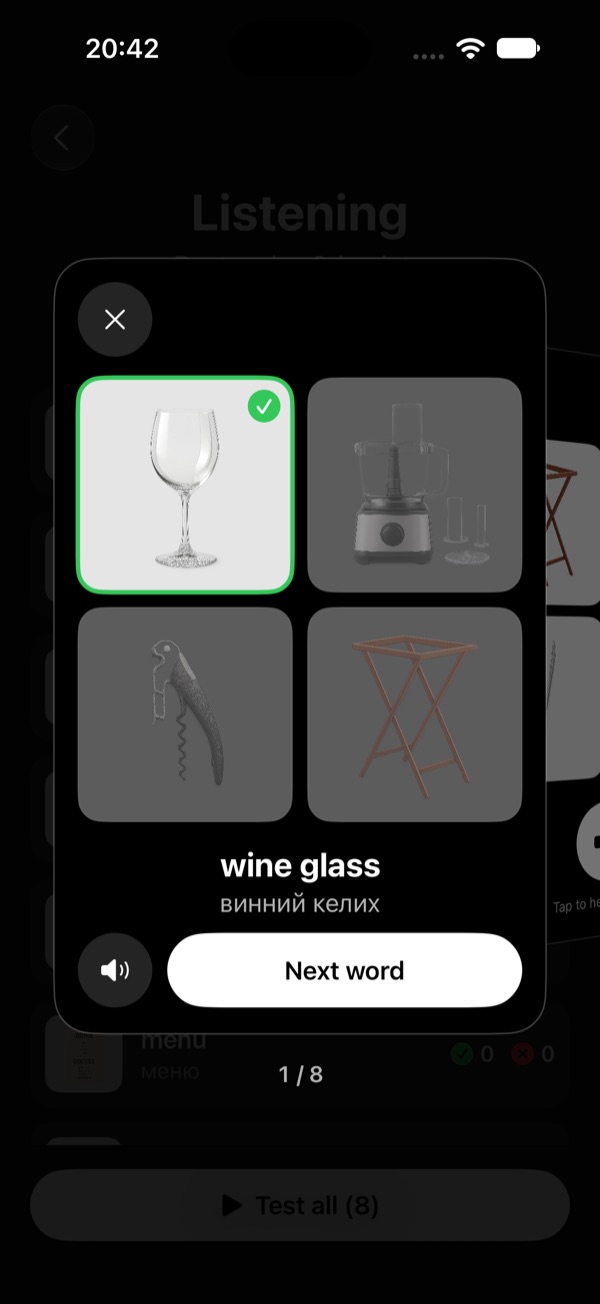
Four pictures, one word. The pictures unlock once you've heard the word. Tap the one that matches — your first tap counts. Right: it turns green. Wrong: your pick turns red and the right one green. Then you see the word.
You'll find both tests on the start screen once you've played a few words. Tap Let's go! to start playing with the words for your job.
After the tutorial
Your progress
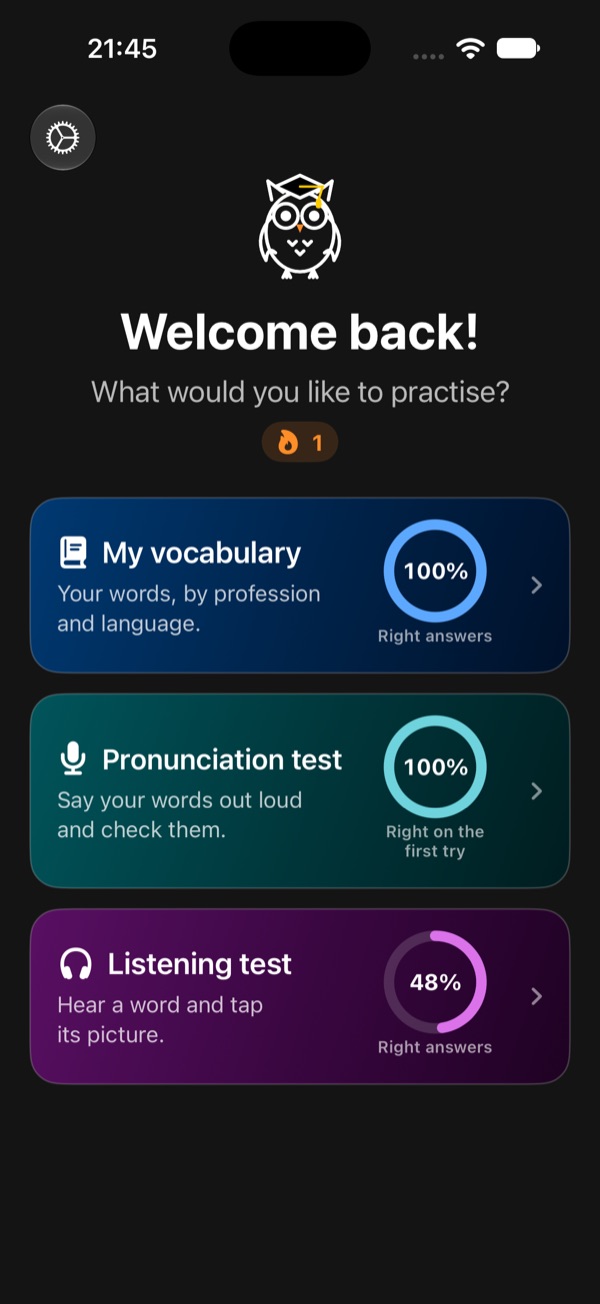
The start screen has three parts. My vocabulary holds a card for each profession and language you learn, with the words you've learned, all your right and wrong answers, and the buttons to continue or open My words. Pronunciation test holds the same cards for saying your words out loud, and Listening test for hearing them and picking their picture. Each part shows its score in a ring; your days in a row are at the top.
Wrong picture or word? Tell us
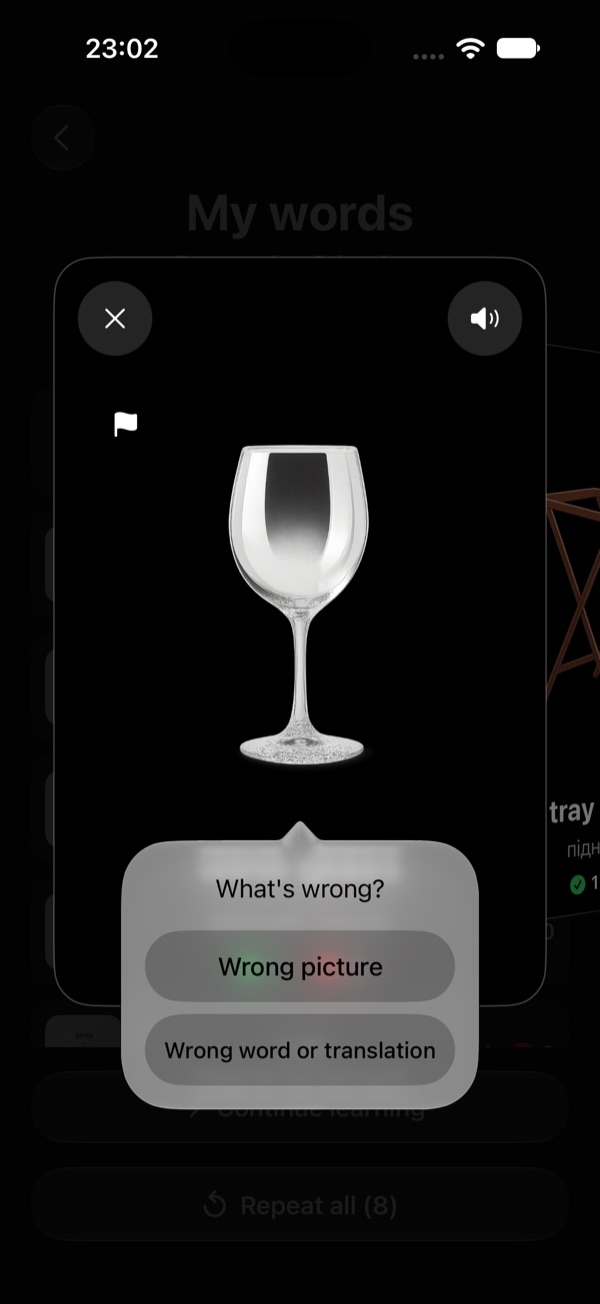
Wrong picture: tap the flag in the picture's top corner and confirm — you get a new picture right away, and we check it for everyone.
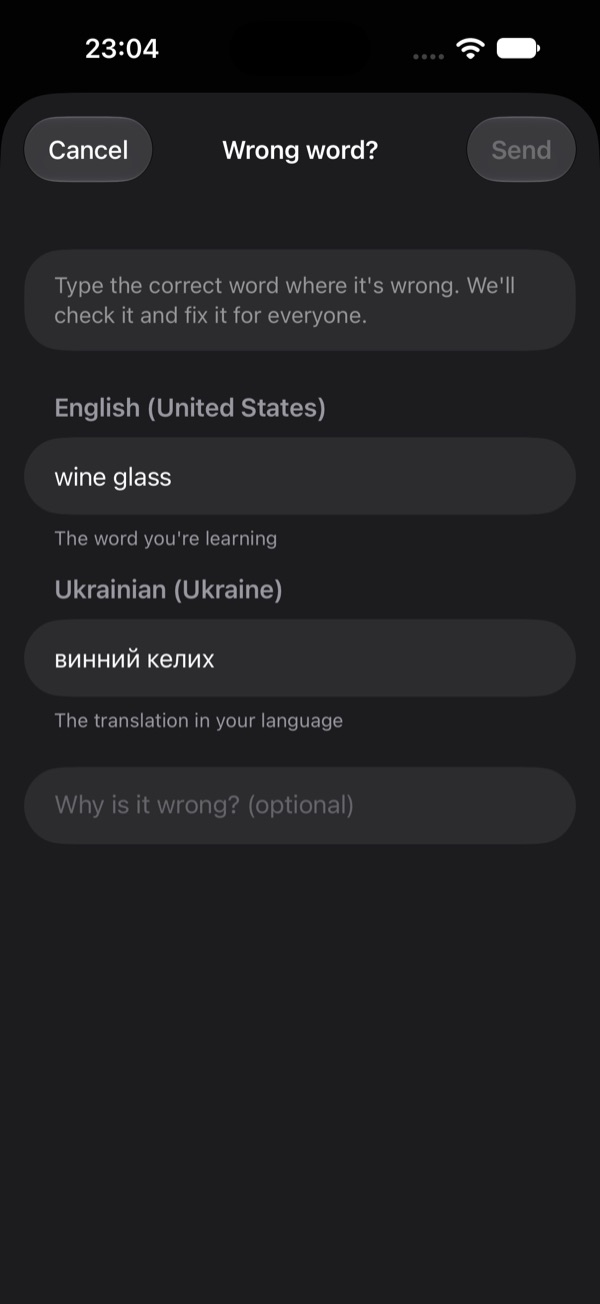
Wrong word or translation: after you answer, tap Wrong word? — or in My words, tap the flag and choose Wrong word or translation. Type the correct version where it's wrong (Send stays off until you change something), add why if you like, and send it. We check every correction and fix the word for everyone.
Test all, one word after another
Both tests list your played words for a profession, hardest first. Tap a word to test just that one, or tap Test all at the bottom: the cards then move on by themselves after each answer. In the listening test each word plays on its own, so you just listen and tap.
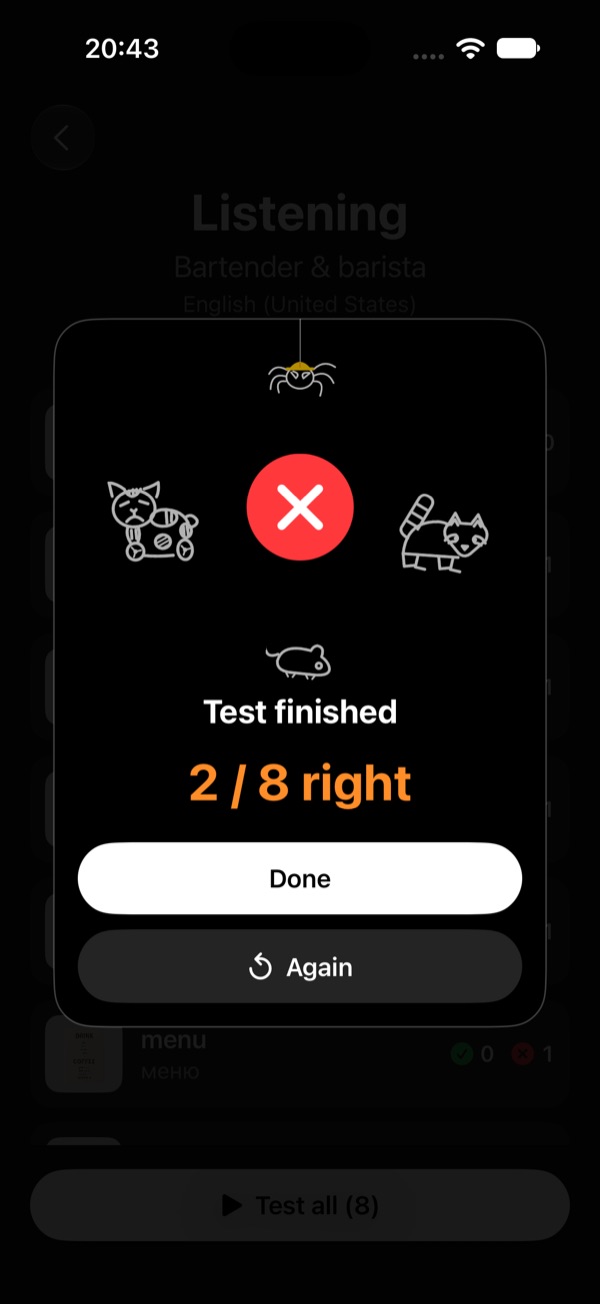
At the end you see how many you got right, with Again to go once more. Tap ✕ or outside the card to stop at any time — every answer is already saved.
Rounds and results
Words come in rounds of 10. After each round you see how many you got right this round, and for your profession: words learned (right at least twice, and 3 times out of 4), all right and wrong answers, and your days in a row.
My words
Every word you've played, with its picture and your right and wrong answers, hardest first. Tap a word to see it big and hear it; swipe for the next one. Tap Repeat all to play them again — it works without internet. Part of an unlocked profession.
Pronunciation test
Tap a word you've played, then Tap to speak and say it — or tap Test all. You get 3 tries; right on the first try counts as right, and the hardest words come first next time. The app says the word after each test. Free with your played words, where iOS supports the language.
Listening test
Hear a word and tap its picture among four from the same profession — or tap Test all. Your first tap counts, and the words you miss come first next time. Free with your played words, once a profession has at least 4 words with pictures.
Daily reminder
One reminder a day at the time you choose — only if you haven't played yet that day. Change it in Settings → Daily reminder.
Need help?
See the Support page for common questions, or write to us.